Email Masking
I led the end-to-end design process – from discovery and research, to interface, interaction, illustrations and motion design.
NordPass is a secure password manager built by the team behind NordVPN. It lets users store, autofill, and manage passwords and personal data with full encryption.
Email Masking is one of its key features — allowing users to create anonymous email addresses that forward messages to their real inbox, keeping it private and protected from spam.
Boost premium value with a simple and effective privacy tool
By expanding NordPass beyond password management, Email Masking gives users a reason to return regularly — building trust and creating premium value
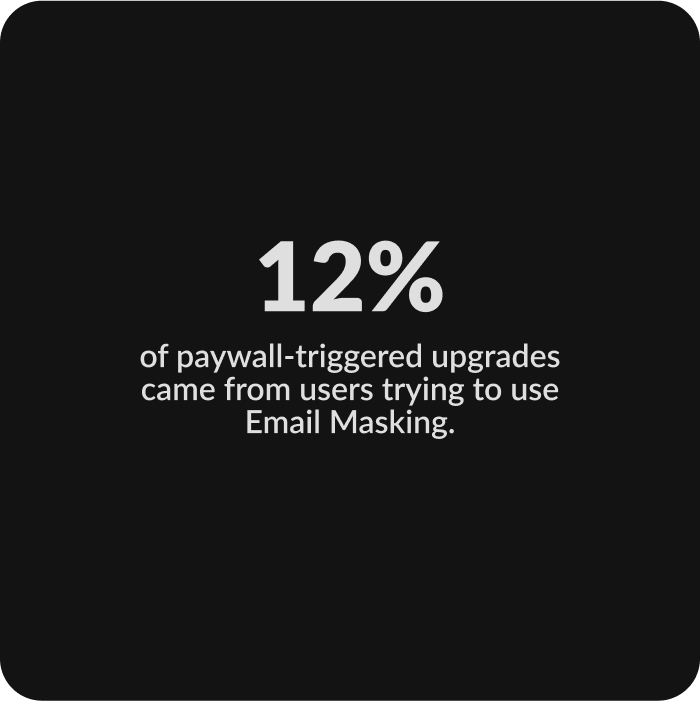
A cross-platform solution to protect user's inbox and keep their real email private
Launched in 2024 on desktop, iOS, and Android, Email Masking lets users create unique email addresses for each sign-up. They can turn forwarding on or off anytime to avoid spam or block unwanted senders.
During testing and review, users struggled to grasp the functionality on first use and engage with the feature
They also didn't understand the value of email masking: how it worked, what it does, why it matters, and when to use it. How might we explain all these aspects in a clear and simple way?
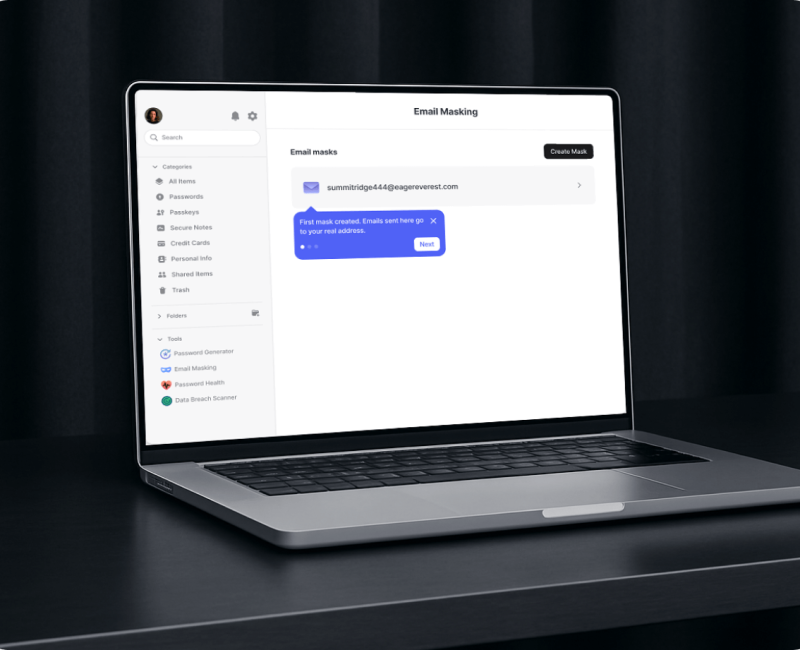
After several testing sessions, I designed a guided walkthrough — simple, snappy, and clear — to walk users through creating their first mask and show how the feature works.
Solutions that didn't survive user testing
Each attempt either overwhelmed users with too much detail or left them without enough context
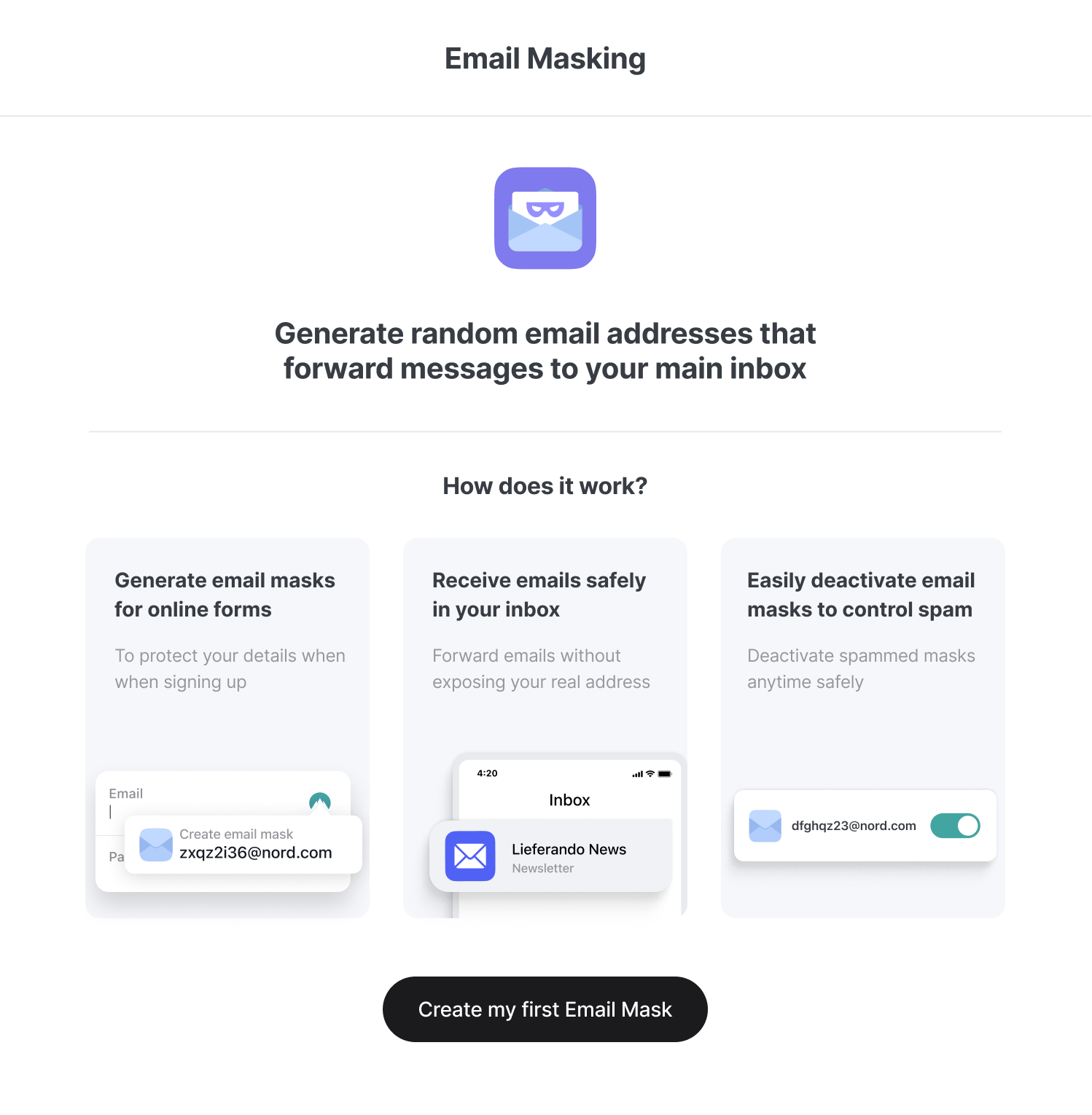
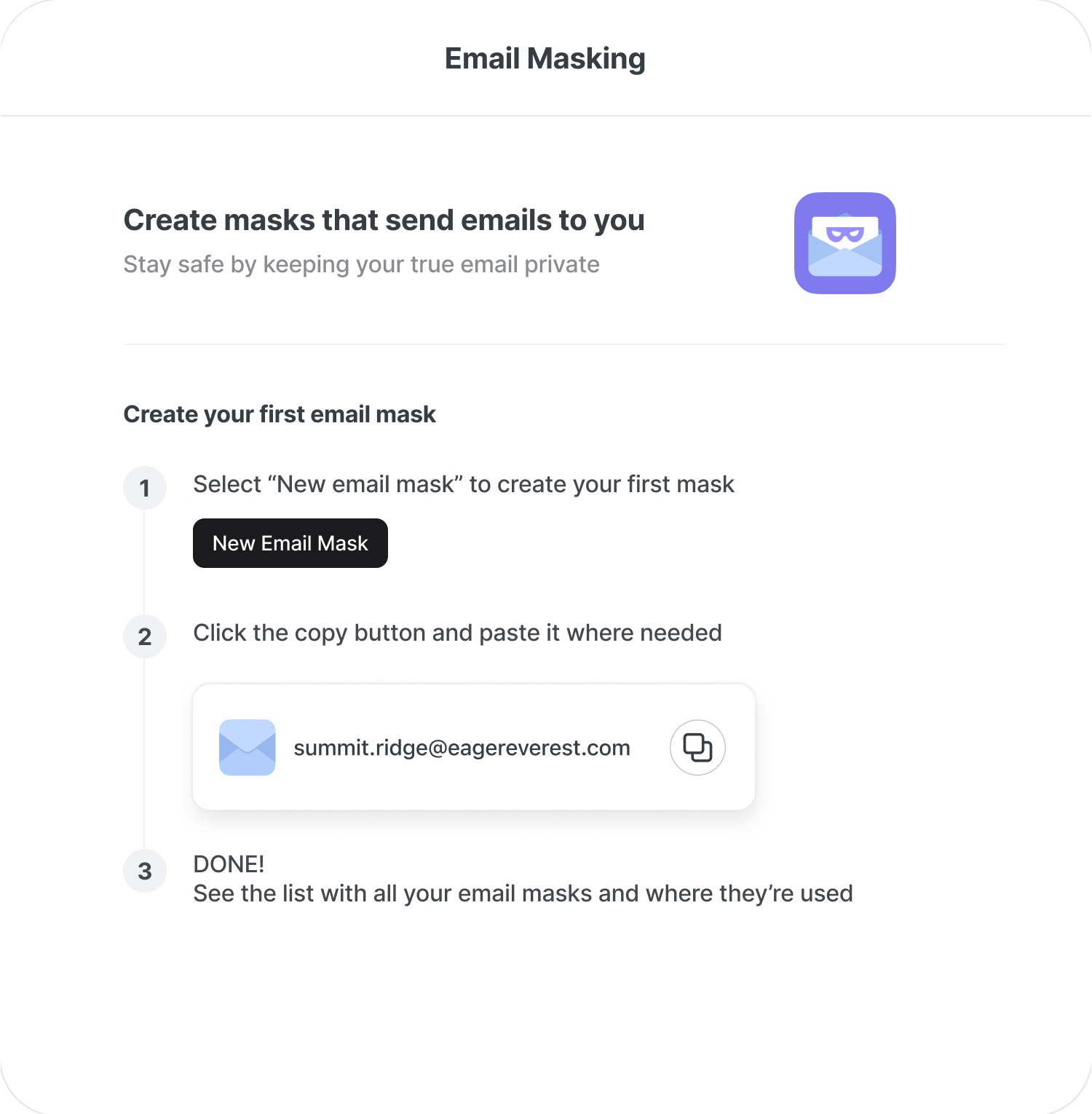
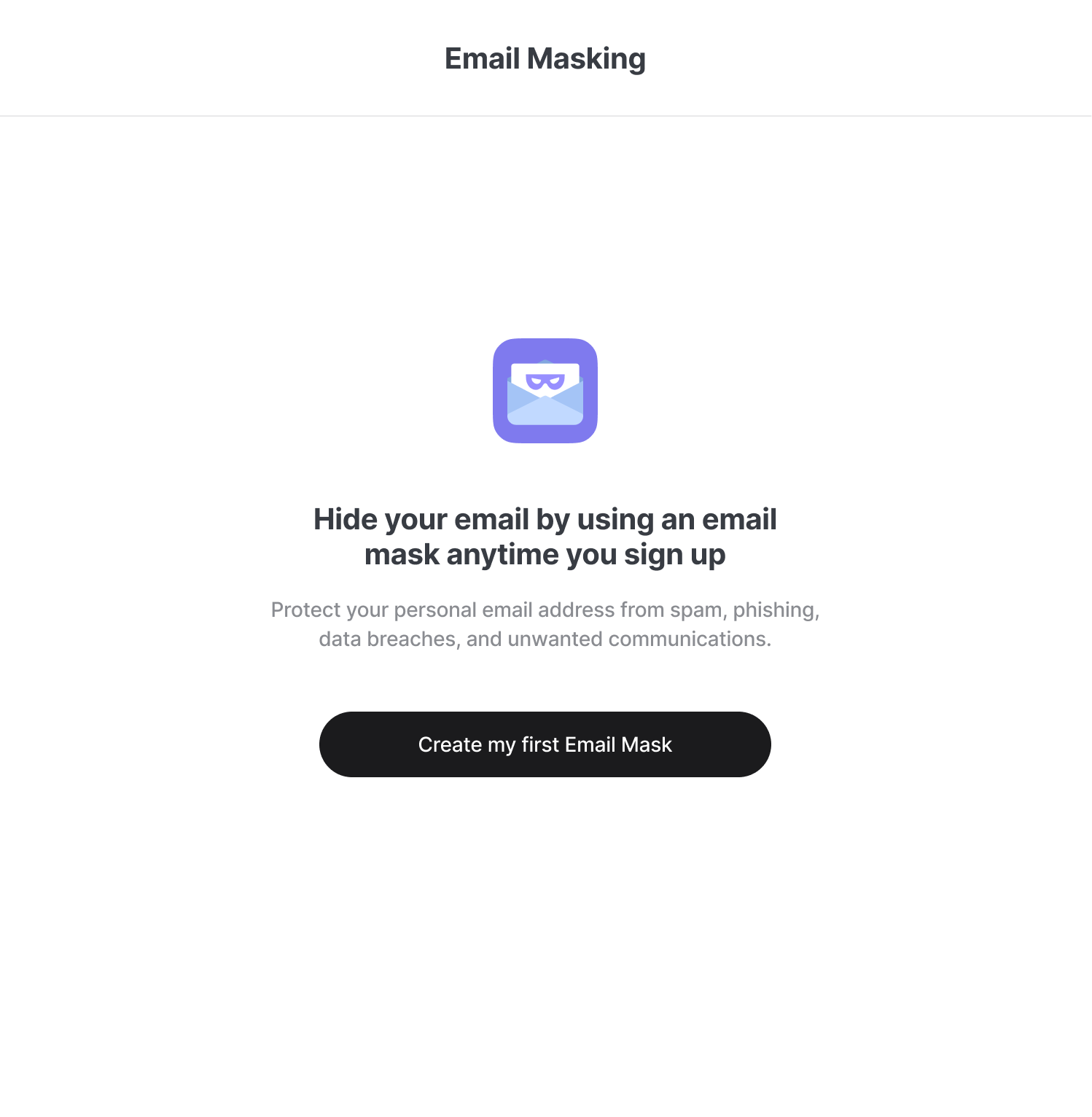
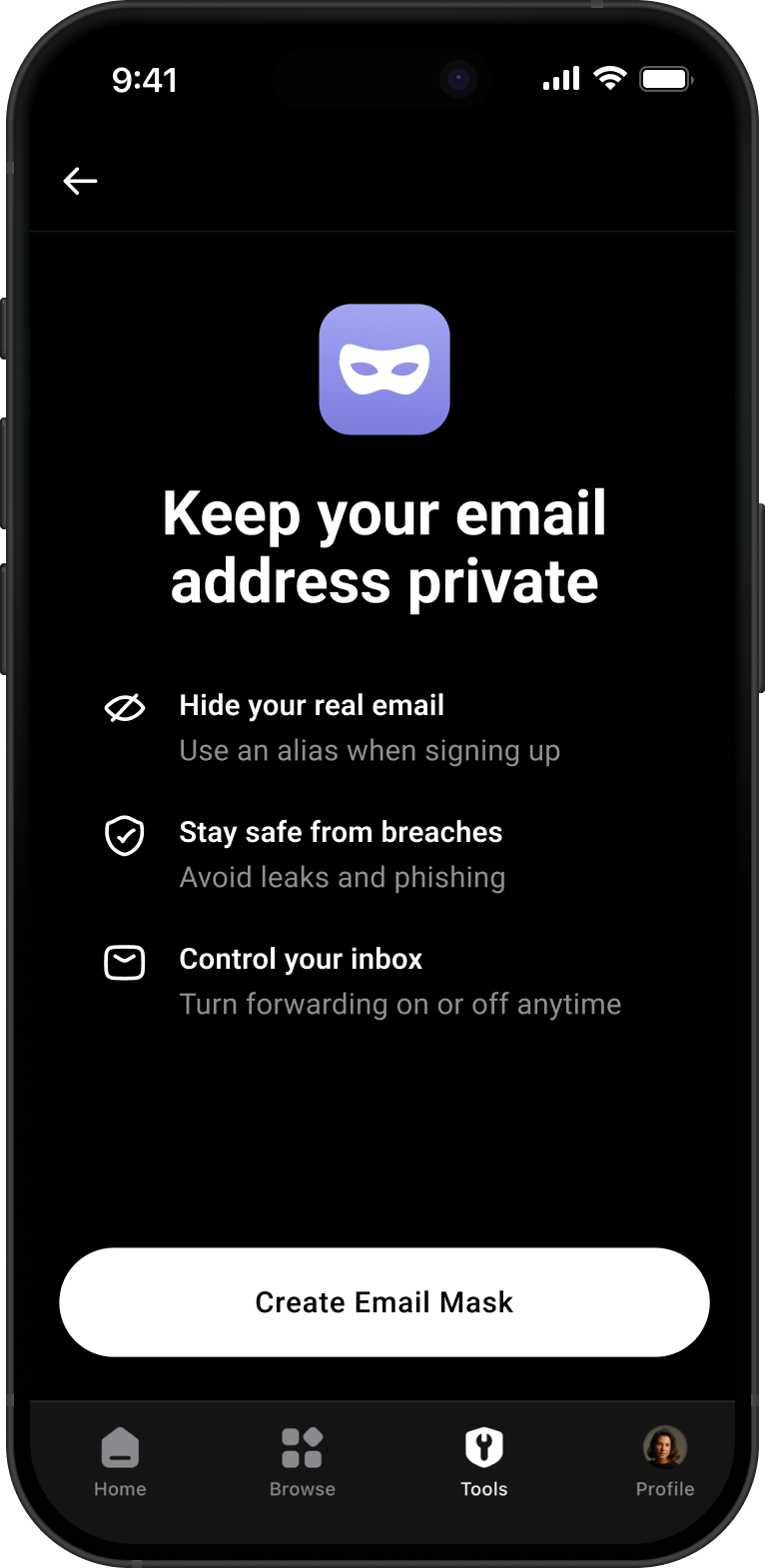
It became clear that the first screen should lead with the value proposition — why it matters and what it offers — keeping functional onboarding to progressive disclosure, as shown above.
Next Project
File Attachment →